
AMPM Casino Login: Get Back to Your CAD Balance on Any Device
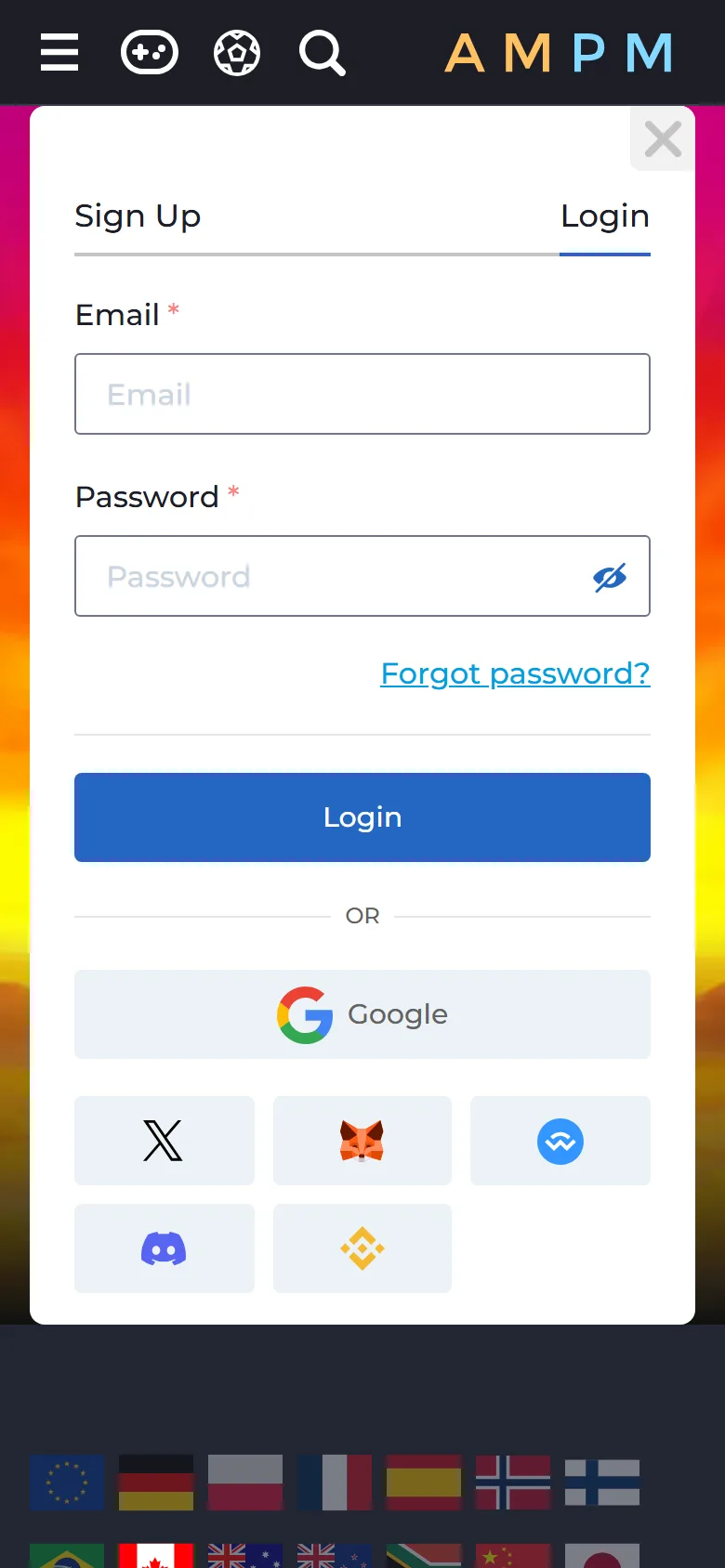
The AMPM Casino login takes the email and password you registered with, or one tap on the service you signed up through: Google, X, MetaMask, WalletConnect, Discord or Binance Wallet. Press Login in the header and you are back in the same account on a laptop, an iPhone or an Android phone. Every AMPM Casino log in opens the AMPM Casino online lobby, our CAD cashier and the sportsbook, which stays closed to guests. Accounts are for players aged 19 and over.
New to us? A first deposit from 15 CAD can carry a 150% match up to 450 CAD, and Interac top-ups start at 30 CAD.
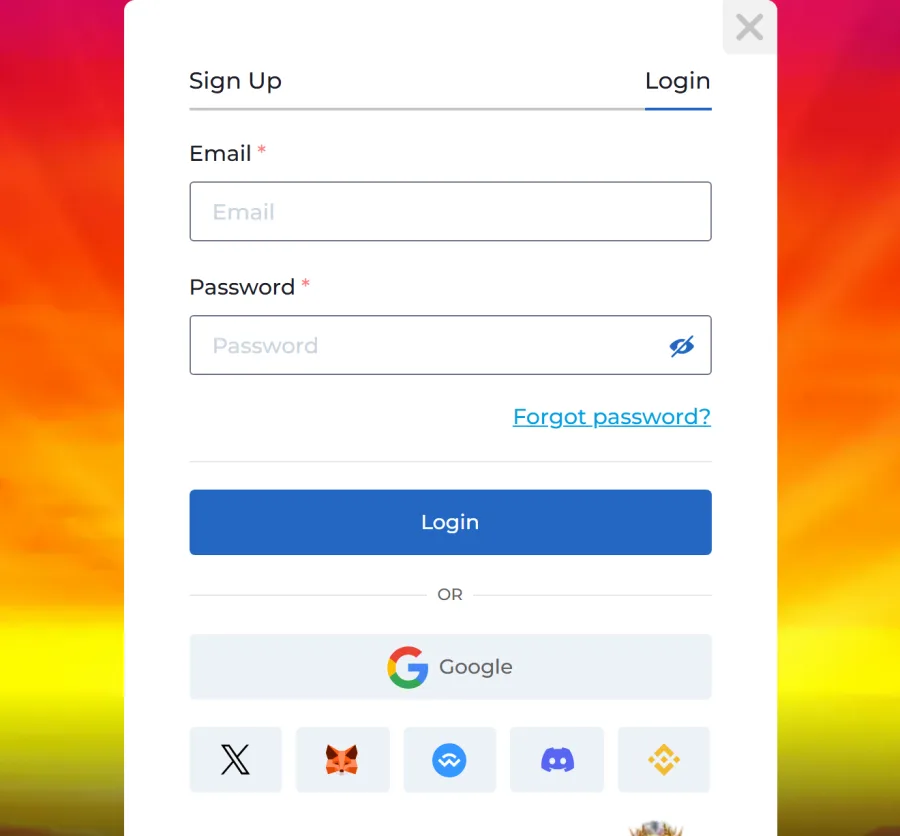
How to Log In With Your Email and Password
Email sign-in looks the same in every browser:
Open the login form
Open our site and press Login in the header. The form greets you with "Welcome back dear friend!".
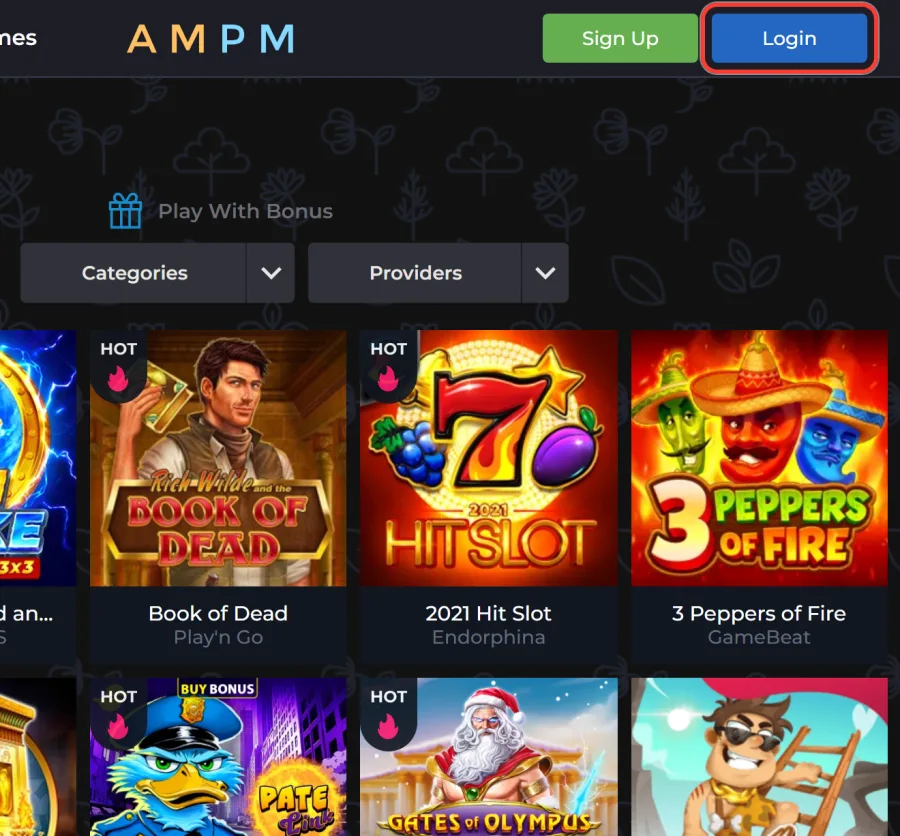
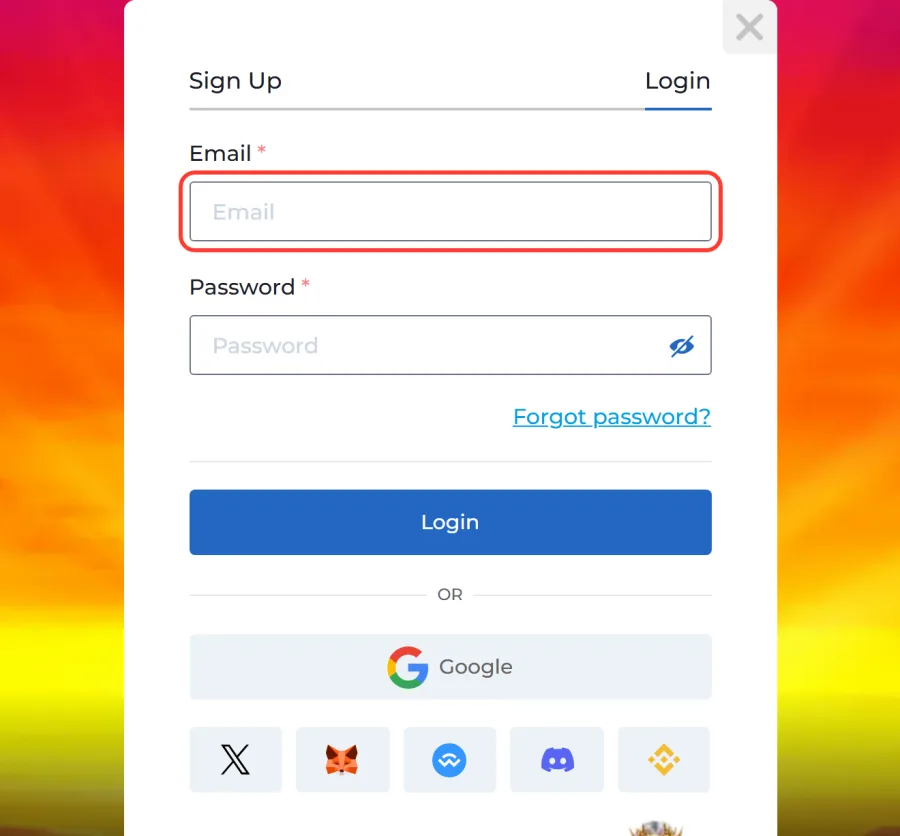
Enter your email
Type your registered email. Browser autofill sometimes drops in an old address or a trailing space, so read it once before moving on.
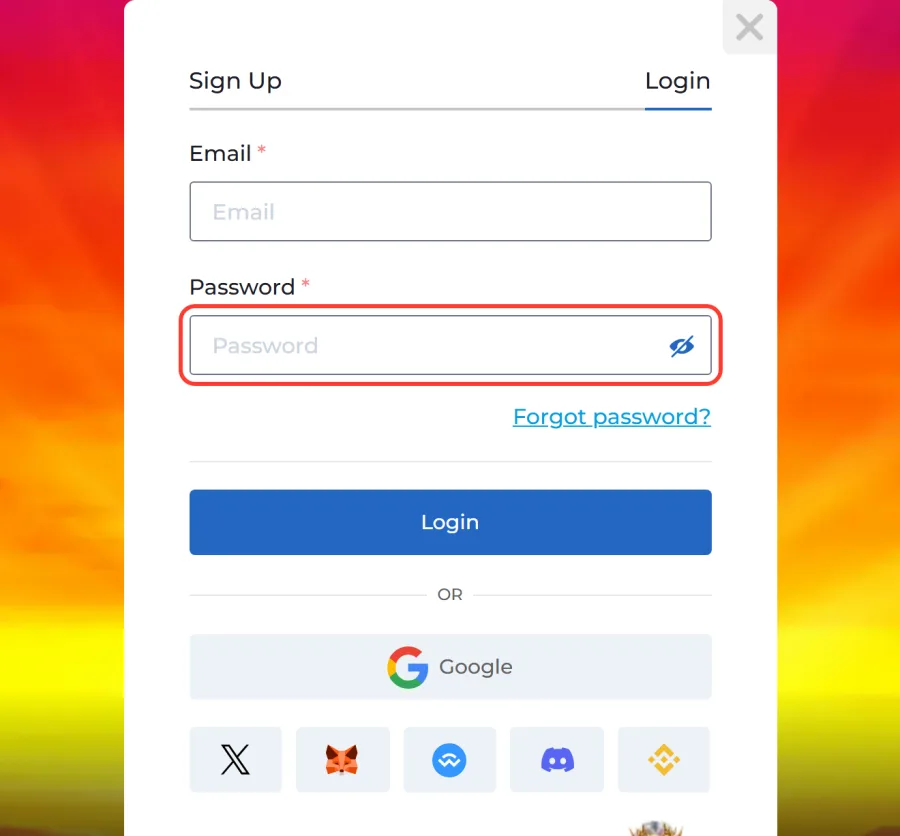
Type your password
Enter your password. If you switch between English and French keyboard layouts, check which one is active, and make sure caps lock is off.
Press Login
Press the Login button. You are back on the site as a signed-in player, and the Sports tab now leads to the sportsbook instead of this form.
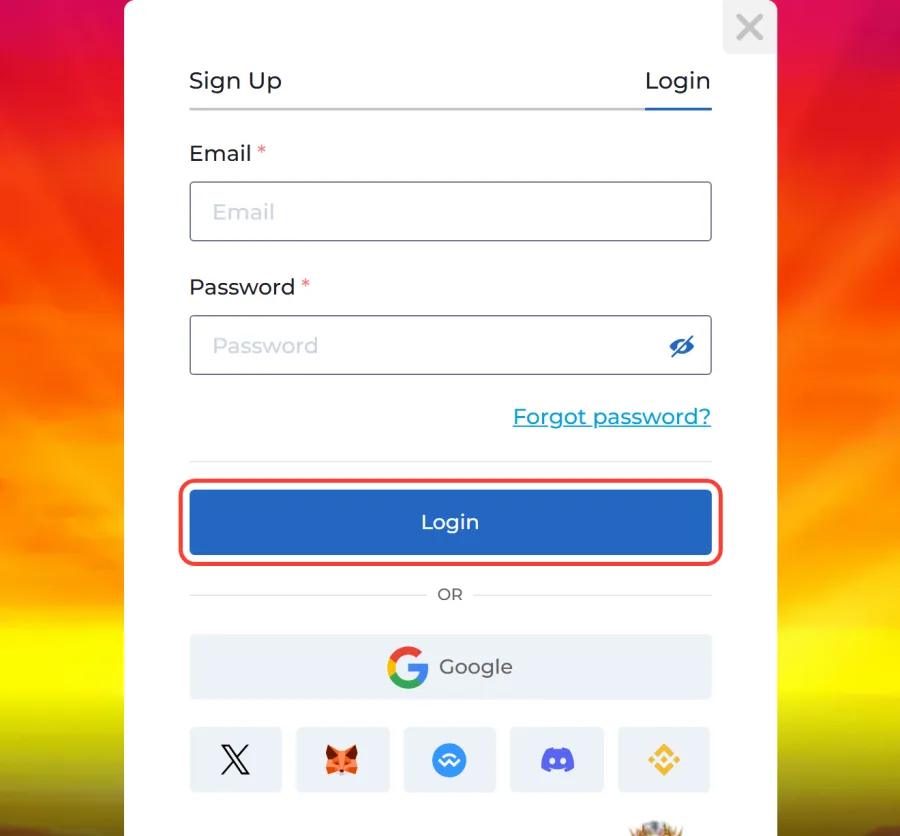
Your email is the key to the account. It receives the activation letter, any temporary password and every official notice from us, which our terms say are sent in English.
Lost Password: a Temporary One Arrives by Email
You do not need to call anyone or open a ticket to get back in. The reset runs from the login form itself:
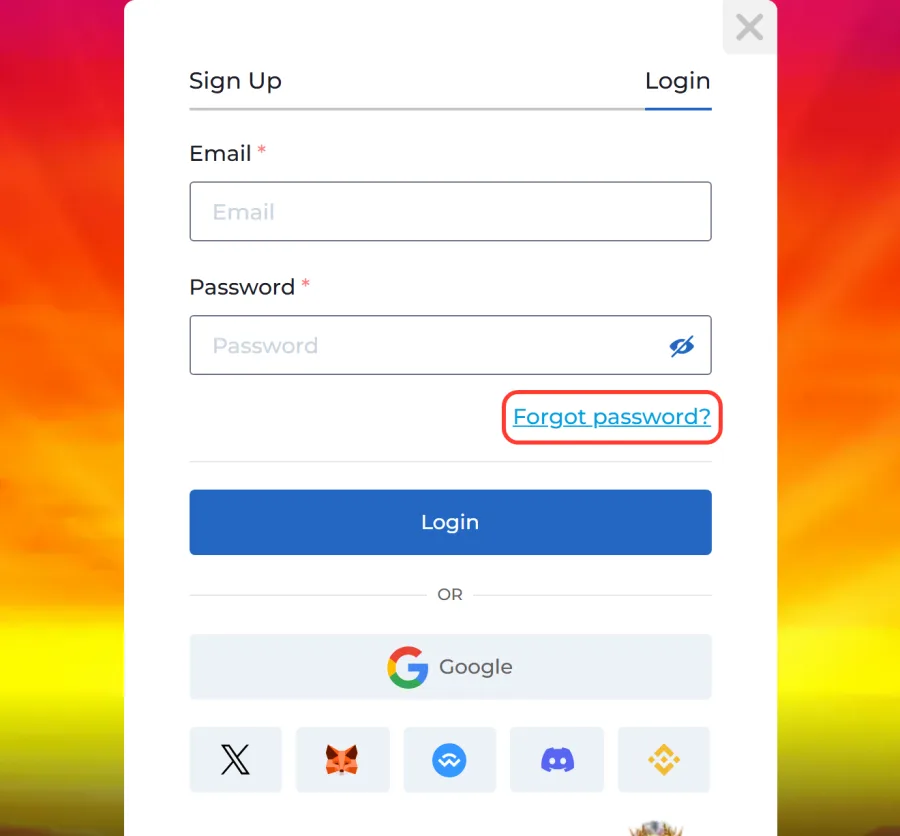
Tap Forgot password?
Press Forgot password? under the Password field.
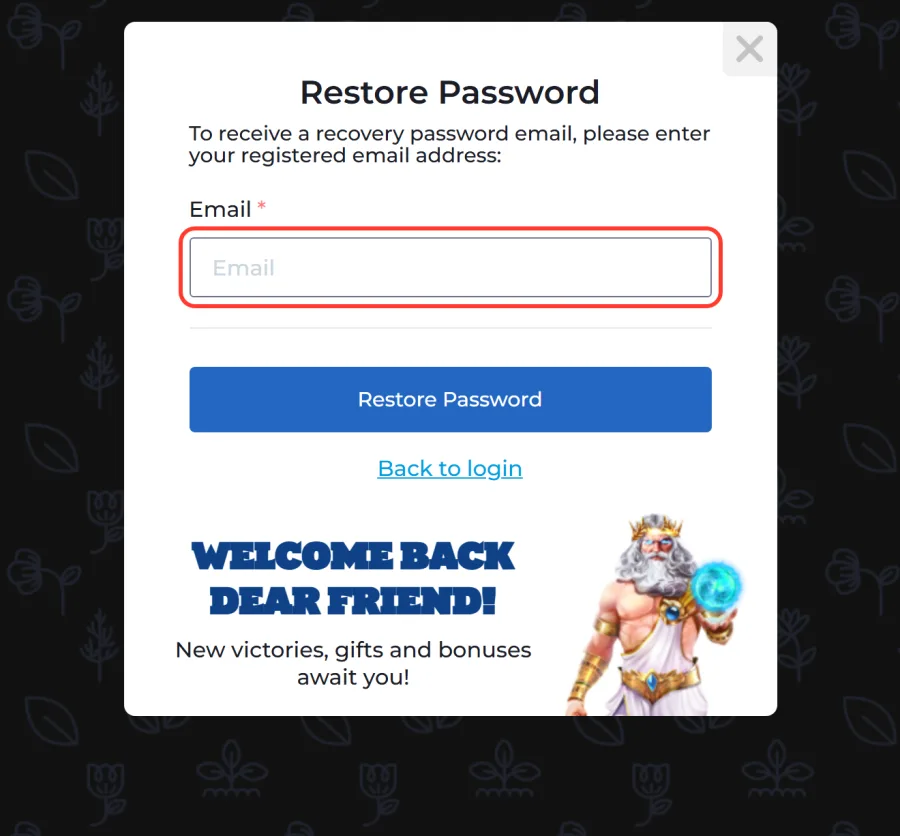
Enter your registered email
On the Restore Password screen, enter the email address registered with us.
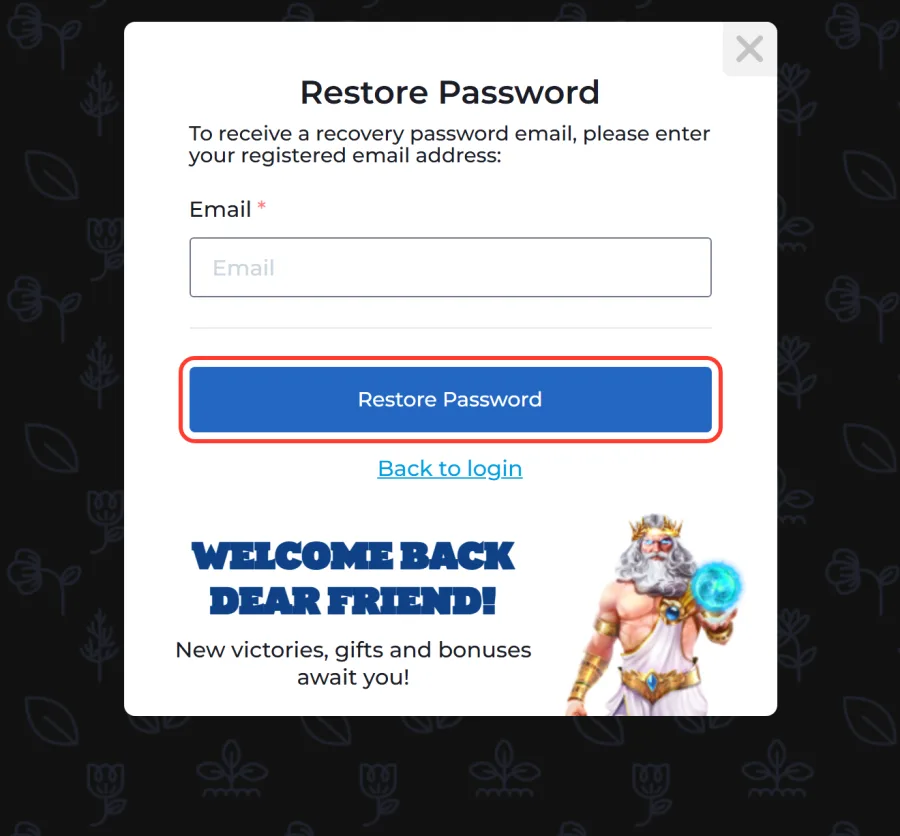
Press Restore Password
Press Restore Password and open your inbox. Our letter contains a temporary password.
Sign in with the temporary password
Go back with Back to login and sign in with your email and that temporary password.
Nothing within a few minutes? Look in spam, the Promotions tab and any filter that sorts mail from unfamiliar senders. Keep the temporary password to yourself: do not forward the letter or paste the code into a chat. If you joined through Google, X, Discord or a wallet, there is no password to restore. Use the same button as before.
When the Form Says No: Login Errors and Their Fixes
A refused login usually traces back to one of five cases. Match what you see below before you write to us.
The email and password are not accepted
Type both by hand instead of relying on autofill. Still refused? Run the reset through Forgot password? rather than guessing again and again.
The activation letter never arrived
After sign-up we send an activation letter to the address you entered. Check spam first. If the address was mistyped, write to support@ampm.casino and name the address you used.
The form does not react
Update your browser, clear this site's cookies and cache, or try a different browser. On an iPhone, open the site in Safari. With a wallet login, open the wallet app first and approve the waiting request.
You opened a second account
Our terms allow one account per household, IP address and computer, so a duplicate breaks the rules. Sign in to the original account instead. If you truly need a fresh one, support closes the old account first.
The service shows as unavailable
AMPM Casino is not available in Ontario. Tools that hide your location, such as a VPN or proxy, are against our terms.
Signing In on iPhone, Android and Desktop
Your login is identical on every screen. Only the way you open the casino changes.
On an iPhone, open our site in Safari, tap Share, choose Add to Home Screen and confirm with Add. The new icon launches the casino as a web app, and you sign in with your usual email and password or the service you linked.
On Android, the AMPM Casino Android app is an APK file of about 6.4 MB, downloaded straight from our site. Allow installs from unknown sources for your browser, install the file, then switch that permission back off and sign in as usual.
On a laptop or desktop, any up-to-date browser is enough, no download needed.
Neither app store carries our casino, so install it only from our site.
What Your Account Opens Once You Are Signed In
These parts of the site work only for a signed-in account:
- Sportsbook
- Signed-out visitors who press Sports land on the login form. Inside, the sportsbook runs on the same balance you use for slots.
- Cashier
- Interac deposits start at 30 CAD, alongside Apple Pay, Google Pay, PayPal, Paysafecard vouchers and crypto. Withdrawals start at 45 CAD, with up to 75,000 CAD per month.
- Promotions
- Claiming any of the bonuses at AMPM Casino needs an active account, starting with 150% up to 450 CAD on a first deposit from 15 CAD, wagered x45.
- Cashback
- Depending on your VIP level, up to 25% comes back daily at 18:00 UTC.
- VIP program
- Every 2 CAD you wager on slots earns 1 CP, and the points move you across the 16 levels of the loyalty map.
Your profile also stores your play limits and verification status, both covered below.
Your Profile, Phone and ID: Checks Linked to Your Account
Signing in and depositing need only your login. A withdrawal asks for more, and finishing the checks early means your first payout is not held up.
Start by filling in Personal Details in your profile and confirming your phone number. Without both, a withdrawal request will not go through. Verification can also run through our Telegram bot.
The ID check (KYC) applies to every withdrawal and again once your total deposits reach the threshold set in our KYC Policy. You upload three things in the profile: a photo ID, a selfie holding that ID, and a bank statement or utility bill dated within the last three months. Files go in as JPG, JPEG or PNG, up to 10 MB each. Our team checks them within 24 hours, or up to 72 hours over weekends and holidays. Until then the status may show Temporarily Approved, which lets you keep depositing within a limit, but cash-outs wait for full approval.
Withdrawals start at 45 CAD and return to the method you deposited with. Turn your deposit over at least three times before cashing out, otherwise a 20% fee is kept from the amount.
Protecting Your Login on Shared and Personal Devices
Your account belongs to you alone. Our terms do not allow handing it to someone else, and every payment method on it has to be in your own name. A few habits keep it that way:
- Choose a password you do not use for email or online banking.
- On a shared or work computer, decline "save password" and sign out before you leave.
- Never pass on the temporary password from a reset letter.
- Keep your wallet's seed phrase off every website, ours included.
Notice a sign-in, a payment or a bet that was not yours? Change the password through Forgot password? at once, then email support@ampm.casino from the address on the account. A refund request for a transaction made by someone who got into your account can be filed within 30 days.
The same profile holds your deposit limit, and a shared device is one more reason to set it. To raise a limit, ask support; the change is confirmed by email and starts only after the current limit period ends. If you stop playing, withdraw the balance and close the account: after 12 months with no activity, our Terms charge a monthly fee on a dormant account.
New Here? One Short Form Before Your First Sign-In
No login yet? Registration asks for an email, a password and your currency, where you pick CAD, plus a tick confirming you are 19 or older and accept our terms. The Google, X and wallet buttons work at sign-up too. Once you open an AMPM Casino account and confirm it through the activation letter, this login form is ready for you.
Still Locked Out? Live Chat and support@ampm.casino
When none of the fixes above works, contact us directly. Live Chat sits inside the site and is the quickest way to sort out a stuck login. For anything that touches the account itself, such as a mailbox you no longer use, a duplicate profile or a transaction you do not recognize, write to support@ampm.casino from the email on the account so we can confirm it is you. We reply to questions and complaints sent there within 72 hours. Never include your password in a message, whether by email or in chat.
Signed Up With Google, X or a Crypto Wallet? Use the Same Button
Below the email fields there is an OR divider, a Google button and a row of five icons. Each one signs you in through an account you already hold elsewhere. The route you took at registration is the route back in. The table shows where each option sits and what you approve.
A wallet login only proves who you are. It does not move crypto or sign a payment: deposits, crypto included, go through the cashier as a separate step. An account opened through Google is reached through the Google button, not the password field, so typing a password there leads nowhere.