
Download the AMPM Casino App: Safari Install for iPhone, APK for Android
Our app reaches your phone in one of two ways, and neither goes through a store. On an iPhone you add the casino to the home screen from Safari, with no file and no App Store. On Android you install the AMPM Casino APK, a 6.4 MB file we host on our own site. Both open the same account as the AMPM Casino desktop version, with your CAD balance, the lobby, the sportsbook and promotions. Both routes are described step by step below.
A first deposit made from the phone gets the same choice as on a computer: 150% up to 450 CAD or 50 free spins, from 15 CAD. Apple Pay and Google Pay start at 25 CAD.
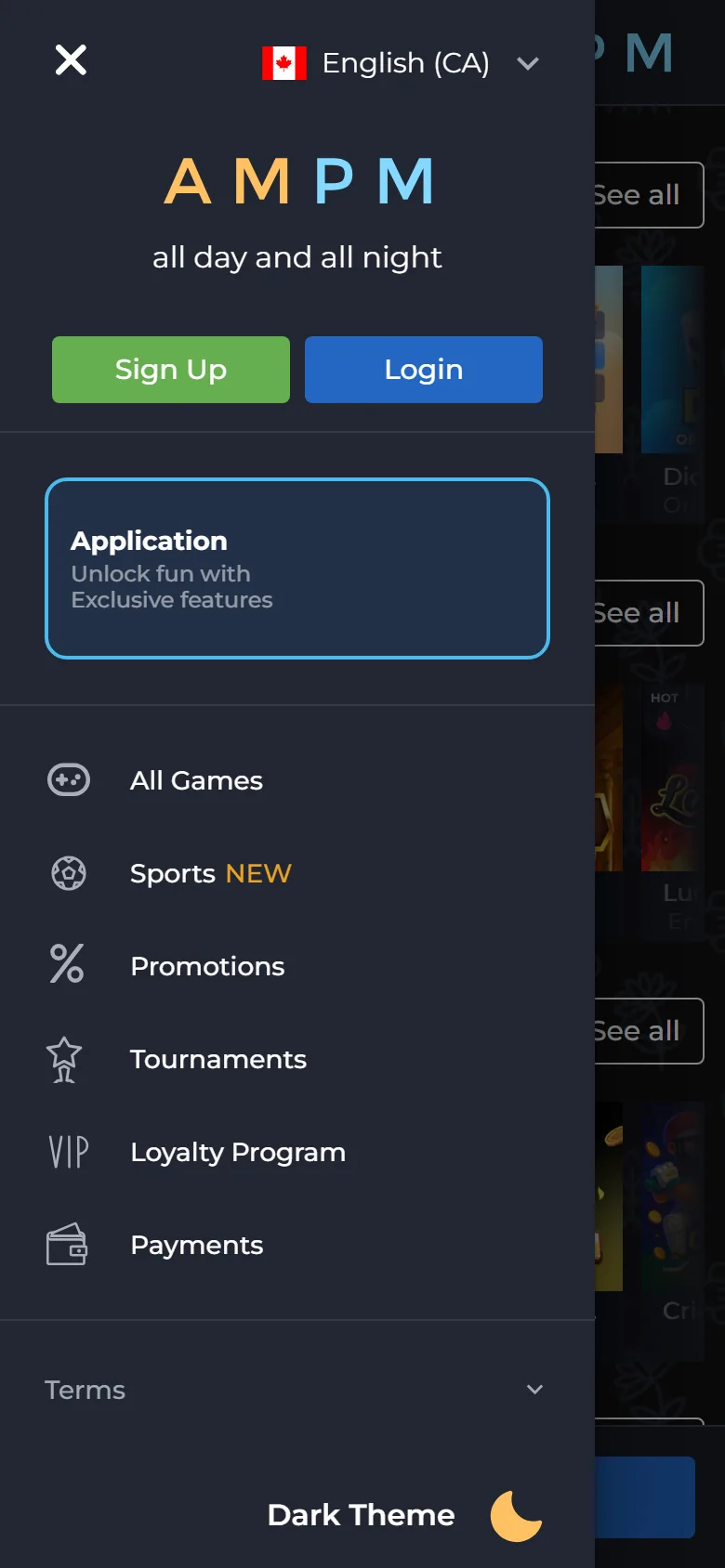
Adding Our Casino to an iPhone: Safari, Share, Add
The iPhone version is a web app. Safari saves our site as an icon, and the icon opens the casino like any other app. Our own instruction is written for Safari, so use it even if Chrome is your everyday browser.
Open the site in Safari
Open our site in Safari on the iPhone. If a link opened inside another browser or a messenger, copy the address and paste it into Safari.
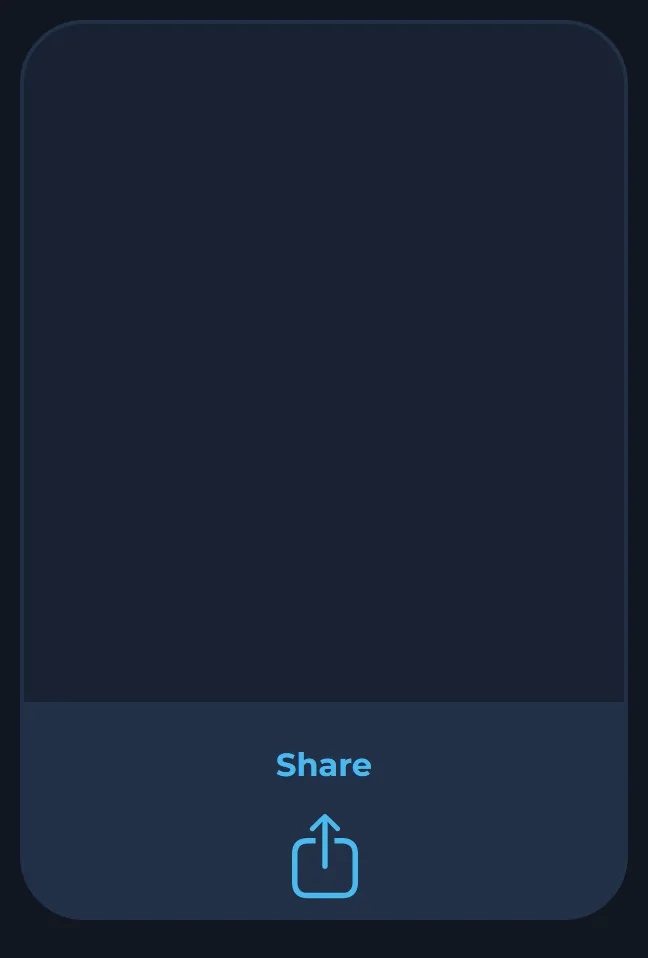
Tap Share
Tap Share, the square with an arrow pointing up, in the Safari toolbar.
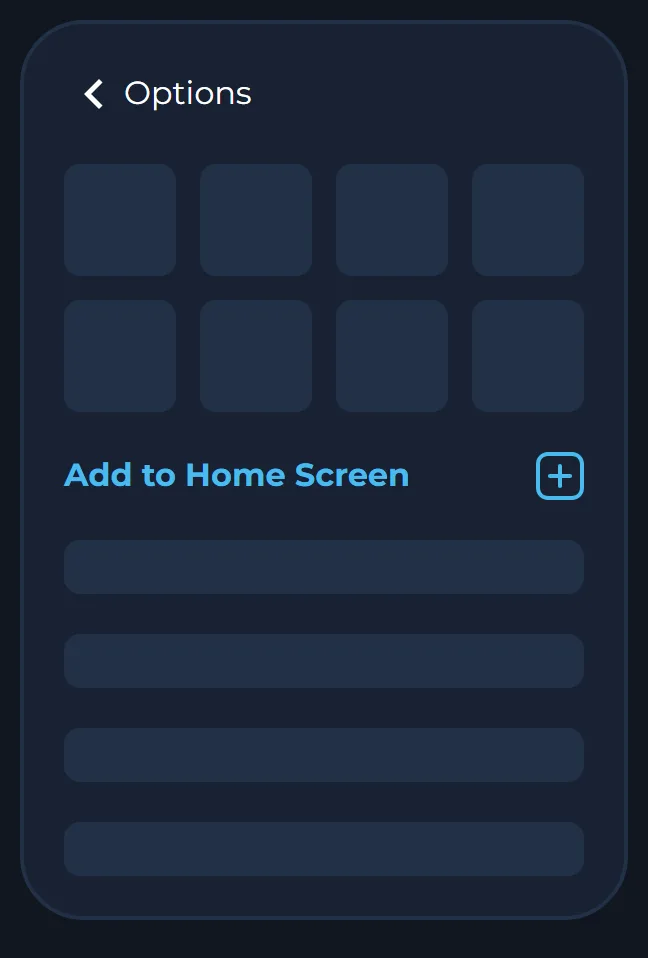
Pick Add to Home Screen
Scroll the list of actions and pick Add to Home Screen.
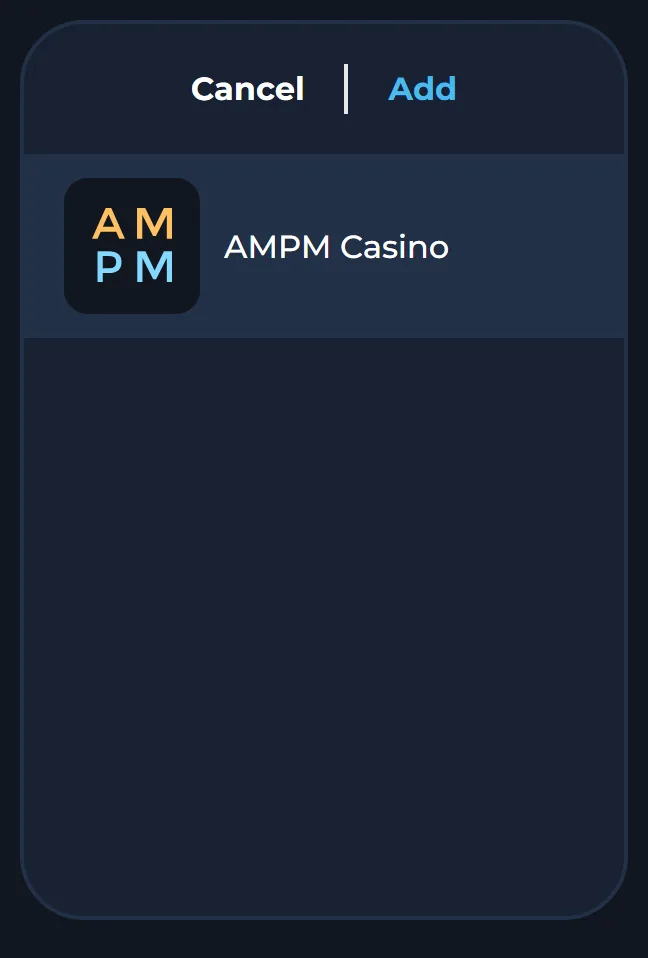
Confirm with Add
Leave the name as it is or shorten it, then tap Add in the top right corner.
Launch the icon and sign in
Go to the home screen, tap the new AMPM icon and sign in with your usual email and password or the service you linked.
Nothing is downloaded, so there is no file to check and no storage to free up. We never ask an iPhone owner to install a configuration profile or a separate installer, and a message that does is not from us.
The 6.4 MB Android APK: Download, Allow, Install
On Android the app is a real installed file. Its name is com.ampm.casigame2.0.apk and it weighs about 6.4 MB. Because it does not come from Google Play, Android asks for one permission and may show a Play Protect warning. Our Android install page describes both, and the order below follows it.
Open the Android install page
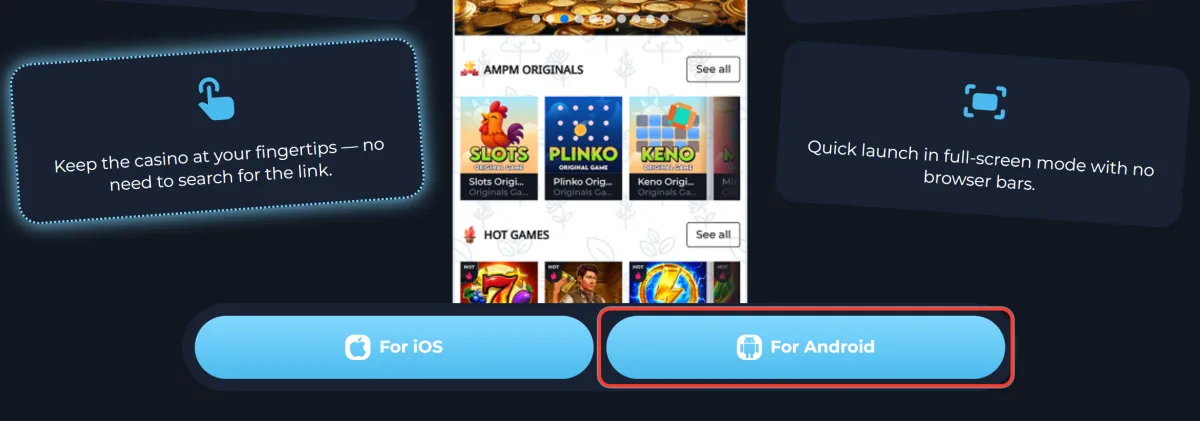
On the phone, tap Download for Android at the top of this page to reach our Android install page, titled Install AMPM Casino App for Android.
Tap Download
Tap Download. The APK lands in your Downloads folder and in the notification shade.
Allow unknown apps
Open the file. If Android stops you, let your browser install unknown apps. Depending on the brand, the switch is called Install unknown apps or Unknown Sources.
Confirm the install
Confirm Install in the system window. If Google Play Protect warns about the file, tap More details, then Install anyway.
Open and sign in
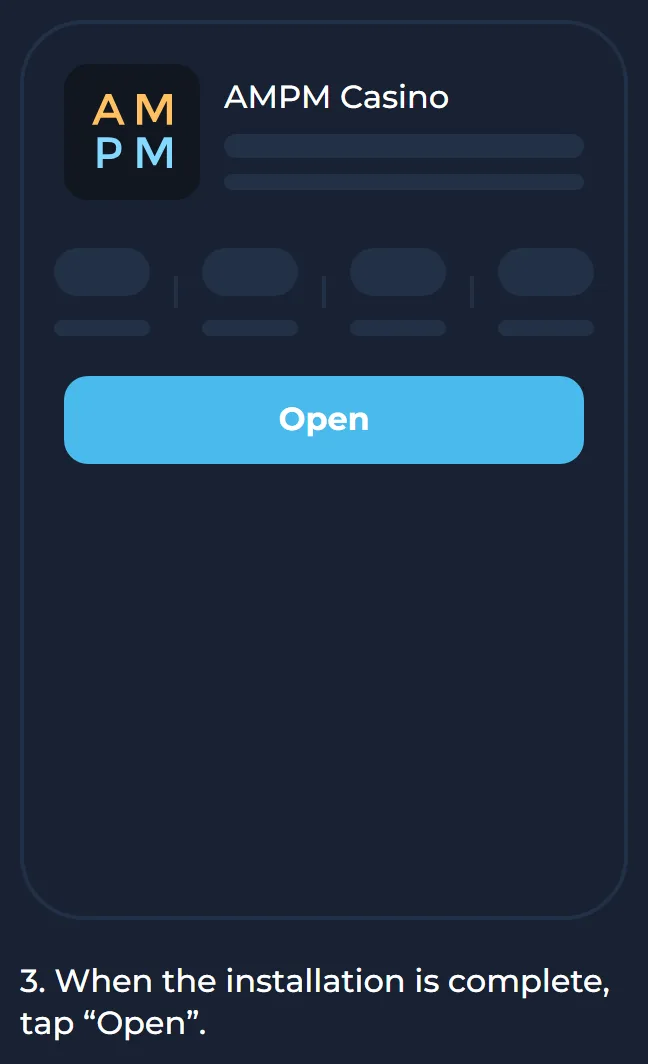
Tap Open when the installation finishes and sign in.
Switch the permission off
Go back to the settings and turn the unknown apps permission off for that browser. The installed app keeps working.
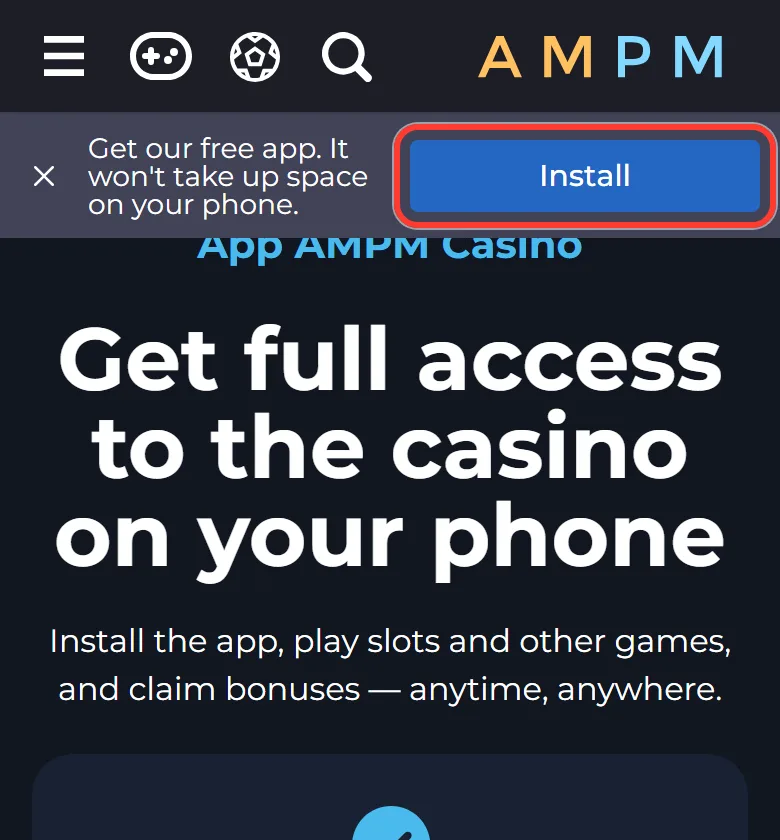
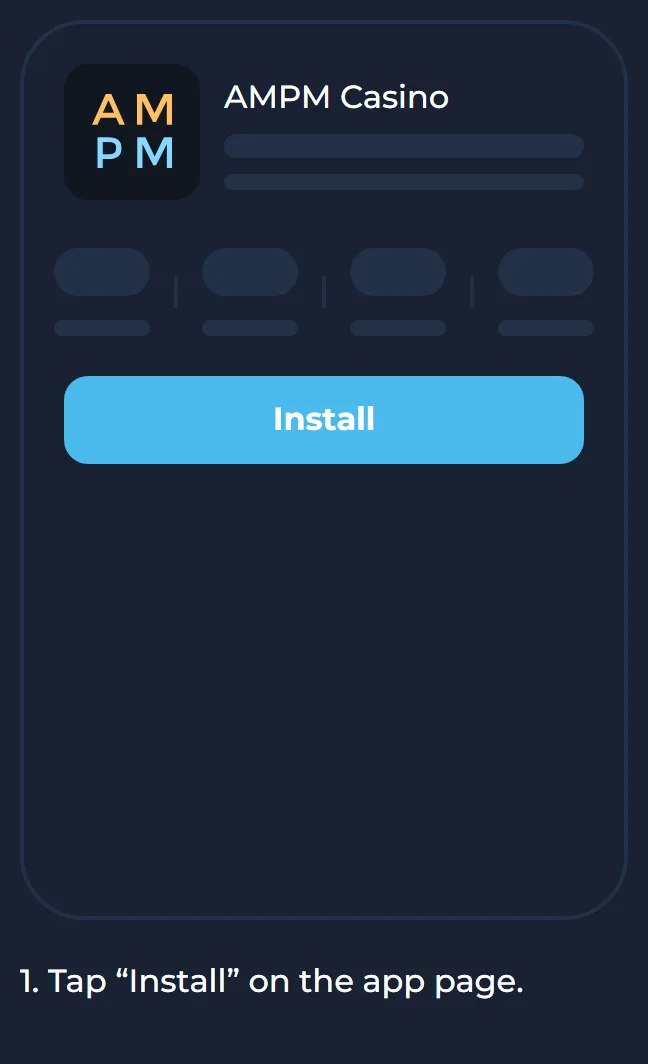
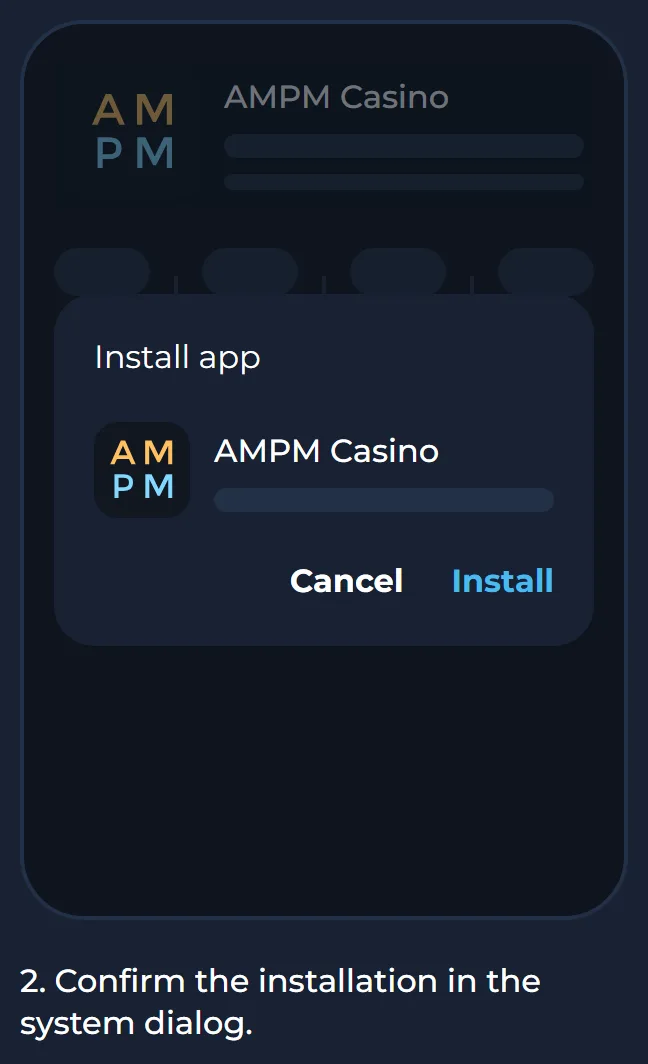
On some Android phones our app page also shows a bar that reads "Get our free app" with an Install button. Tapping it, confirming in the system window and pressing Open puts the casino on the home screen with no file to manage.
Browsing on a Laptop? The QR Code Carries the Link to Your Phone
If you open our app page on a computer, the For Android and For iOS buttons do not start a download. They show a window that says "Scan the qr code". Point the phone camera at it and tap the link that appears: the phone opens our site, and you continue with the steps above. The same window appears if you press those buttons on a phone. Close it and use the Share menu or the Download for Android button instead.
No Store Listing in Canada, and Why That Is Normal for Us
Each store sets its own rules for real-money gambling apps, country by country. For Canada, Google Play accepts casino apps from provincial operators and from companies holding a provincial licence. Apple wants the developer to be licensed where the app is distributed, and the app to work only inside that territory.
We are operated by WoT N.V. (company number 129742) and licensed by the Curaçao Gaming Control Board under licence OGL/2024/452/0687. That is not a provincial licence, so we cannot be listed in either store in Canada. Instead, we give you the APK and the Safari web app directly. If you spot an "AMPM Casino" app in the App Store or on Google Play, we did not publish it. Do not install it, and never type your password or card details into it.
Is the File Really Ours? Four Things to Compare
Copies of casino apps circulate in chats, file-sharing sites and pop-up ads, and a copy can look exactly like ours while recording what you type. Compare before you install.
| What to check | Our app | Treat it as fake if |
|---|---|---|
| Where it came from | The Download button on our Android install page | It arrived in a chat, an email attachment or a download portal |
| File name | com.ampm.casigame2.0.apk | The name is different or ends in something other than .apk |
| Size | 6,736,854 bytes, about 6.4 MB | The size is far off |
| iPhone version | No file at all, only Safari and Add to Home Screen | You are asked to install a profile or an "AMPM installer" |
We also have no bonus tied to installing the app, so a download that promises extra spins for it is not ours. If such a file is already on your phone, remove it and reset your password with Forgot password? on our site.
Paying From Your Phone: Apple Pay and Google Pay From 25 CAD
The cashier in the app is the one you know from a computer, with the balance kept in CAD. A phone simply makes a few methods handier. Minimum deposits for the ones most players use on mobile:
| Deposit method | Minimum |
|---|---|
| Apple Pay | 25 CAD |
| Google Pay | 25 CAD |
| Interac | 30 CAD |
| Paysafecard | 25 CAD |
| MoneyGo | 15 CAD |
Crypto deposits have minimums set in the coin, for example 0.0002 BTC or 10 USDT on TRC20. Withdrawals start at 45 CAD for every method, go up to 75,000 CAD a month and are processed within 24 hours. Wager each deposit at least three times before cashing out, or a 20% fee is kept. Verification fits the phone well: in your profile you photograph your ID, a selfie holding it and a recent bill or bank statement, and upload them as JPG, JPEG or PNG files of up to 10 MB each.
6,100+ Games and the Sportsbook on a Five-Inch Screen
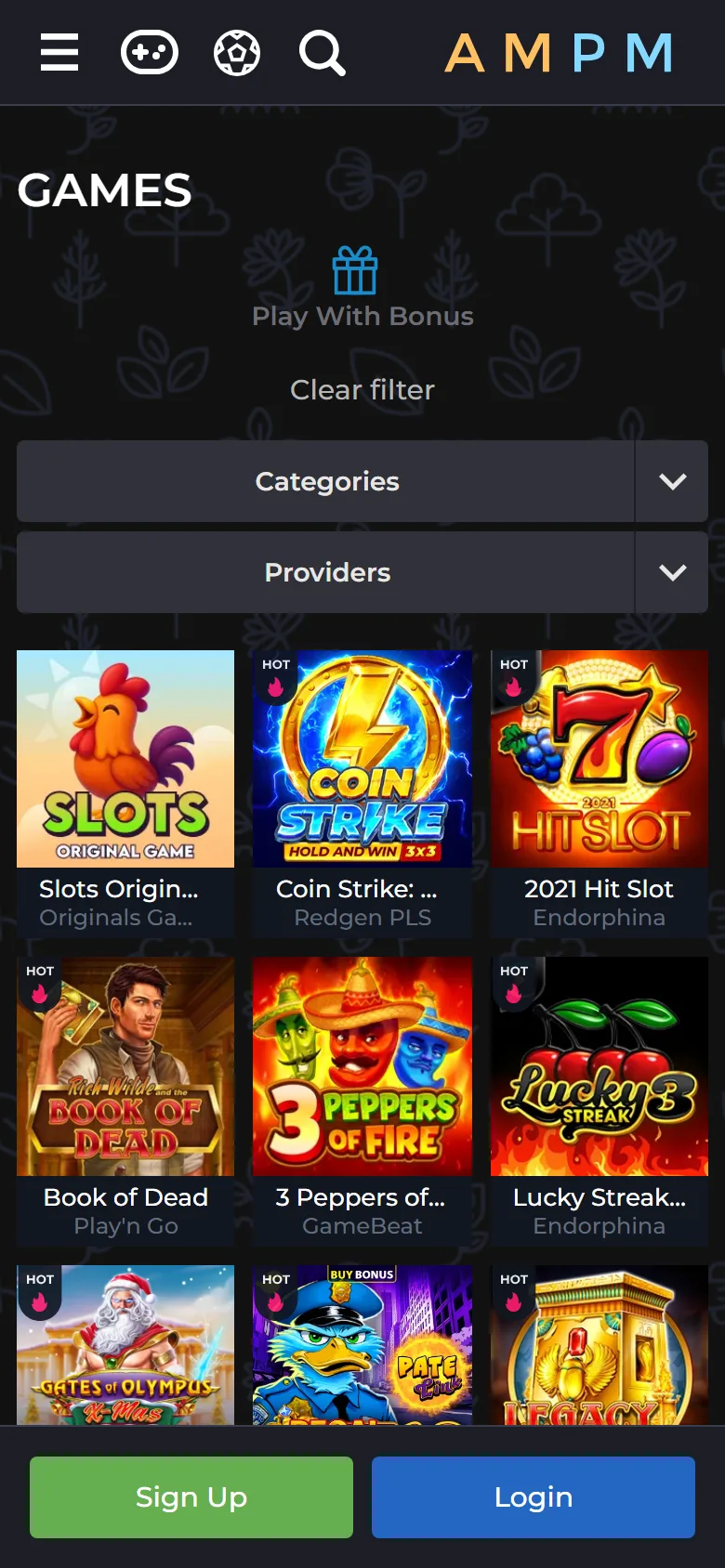
The app opens the same lobby as the browser, with more than 6,100 games from 53 providers. Category tabs keep it manageable on a small screen: Hot Games, New Games, Bonus Buy, High RTP, Megaways and Table Games, plus our nine AMPM Originals such as Crash, Plinko, Mines and Coin Flip. Live tables cover blackjack, roulette, baccarat and Dragon Tiger, and 4,802 titles have a demo mode for trying a slot before staking anything. The full game library is sorted the same way on every device.
Sports sit in the same account. After you sign in, the Sports item in the menu opens our Digitain sportsbook, which runs on the same balance. No account yet? The AMPM Casino sign-up works inside the app too: email, password and CAD, or one tap with Google, X or a crypto wallet.
Updating or Removing the App Without Touching Your Balance
The iPhone icon always opens our live site, so there is nothing to update. On Android, an update means downloading the APK again from our Android install page and installing it over the old version. Your login, balance and history are stored on our side, so they carry over.
Removing the app works the same way. Press and hold the icon and delete it. The account, the money in it and any active bonus stay where they are, and you can sign in again from a browser or a fresh install whenever you like. If you are leaving for good, deleting the app does not close the account. Write to support@ampm.casino from your registered email for that.
Phone Says No? Fixes for Install and Launch Problems
On a phone, the browser, one Android setting or the sign-in method is behind nearly every failed install. Find your case below.
Add to Home Screen is missing on the iPhone
You are probably in Chrome, Firefox or a messenger's built-in browser. Copy the address, open it in Safari and repeat the Share step.
Android shows "App not installed" or refuses the file
The browser has no permission to install unknown apps, or the download stopped halfway. Check that the file is about 6.4 MB, download it again if it is smaller, and allow the permission for that browser only.
Play Protect flags the APK
Play Protect warns about apps from outside Google Play. Compare the file name and size with the table above, then tap More details and Install anyway.
The app opens, but the sign-in fails
Use the same method you registered with: if you joined through Google, X or a wallet, press that button again instead of typing an email. If you forgot your AMPM Casino login details, request a temporary password through Forgot password?.
A game or the whole site will not load
Some studios block their games in a few provinces, so a title may be missing there. Our casino is not available in Ontario. Our terms do not allow VPNs or proxies that hide your location. For anything else, open Live Chat or write to support@ampm.casino with your phone model and the step where it stopped.
A Casino One Tap Away: Limits to Set From Your Phone
An icon on the home screen makes a quick session very easy to start, so set a deposit limit from the phone the same day you install: it sits in your profile and applies to the whole account. The app is for players 19+. To raise a limit, ask support; the change is confirmed by email and starts only after the current limit period ends. Free help for Canadians, province by province, is listed at responsiblegambling.org, and Gambling Support BC answers at 1-888-795-6111 around the clock.